 Get a quote
Resources
The equipment suddenly stops working. What are the common faults? Can you troubleshoot it yourself?
1. Equipment suddenly stops working, common fault analysis
When equipment suddenly stops working, it often disrupts the normal workflow and causes unnecessary delays and losses. In this case, it is crucial to quickly and accurately identify the cause of the failure and repair it. Common causes of failure can usually be summarized into a few areas: power problems, faulty electrical connections, damaged mechanical parts, and control system failures.
(1) Power supply problem
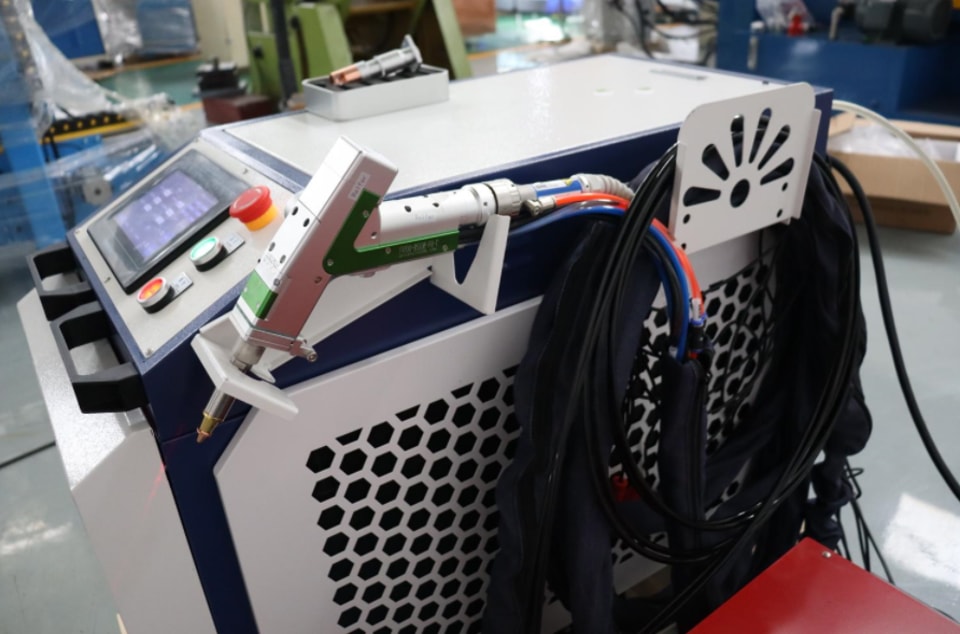
Power issues are one of the common reasons why your device won't start. First, check whether the power cord of the device is plugged in and whether the power socket has power. Sometimes, a simple loose power cord or faulty outlet can prevent a device from working properly. In addition, whether the power switch is on is also a key point to check. If the power switch is damaged or not turned on correctly, the device will naturally not start.
(2) Electrical connection failure
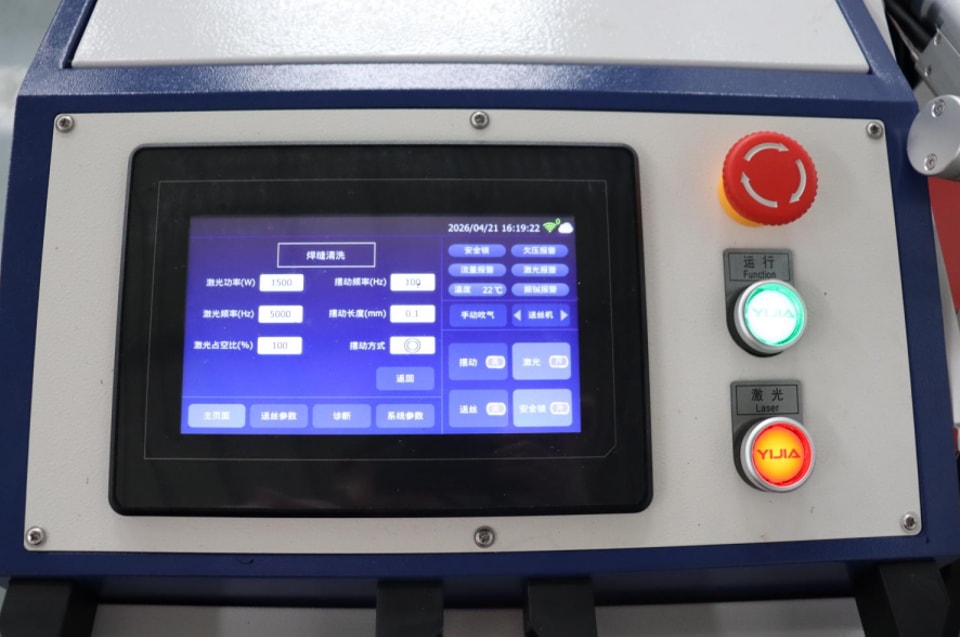
A faulty electrical connection may also cause the device to stop working. Check for loose or broken wire connections inside the device, especially solder joints and plugs. If loose or damaged wires are found, they should be repaired or replaced promptly. Also, check to see if the device's fuse is blown. Fuses are important components that protect circuits from overload and short circuit damage. If the fuse blows, the device will not function properly. In this case, it is necessary to replace the fuse with the same specification and check the cause of the fuse blowing to avoid similar problems from happening again.
(3) Damage to mechanical parts
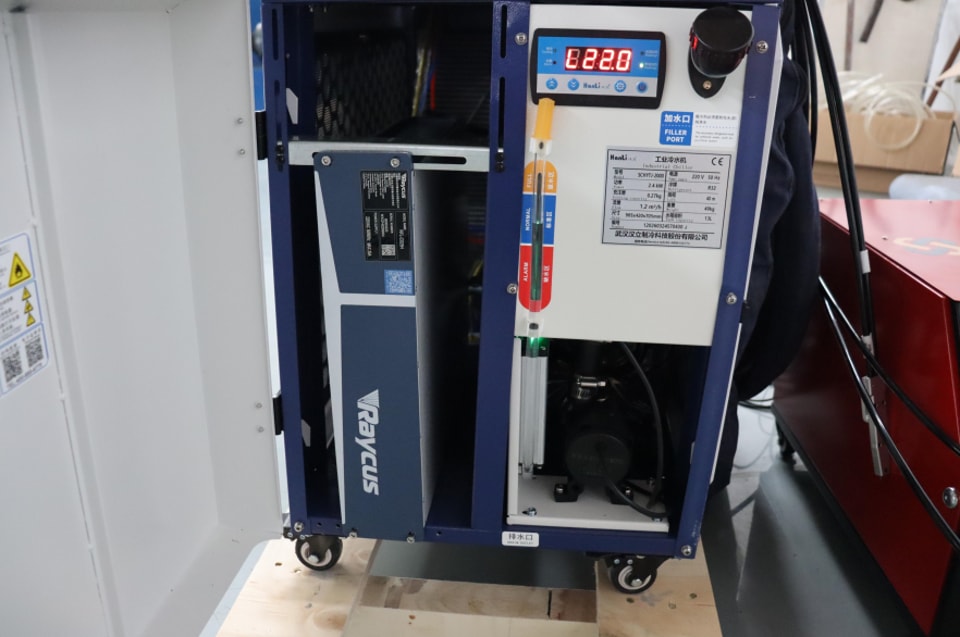
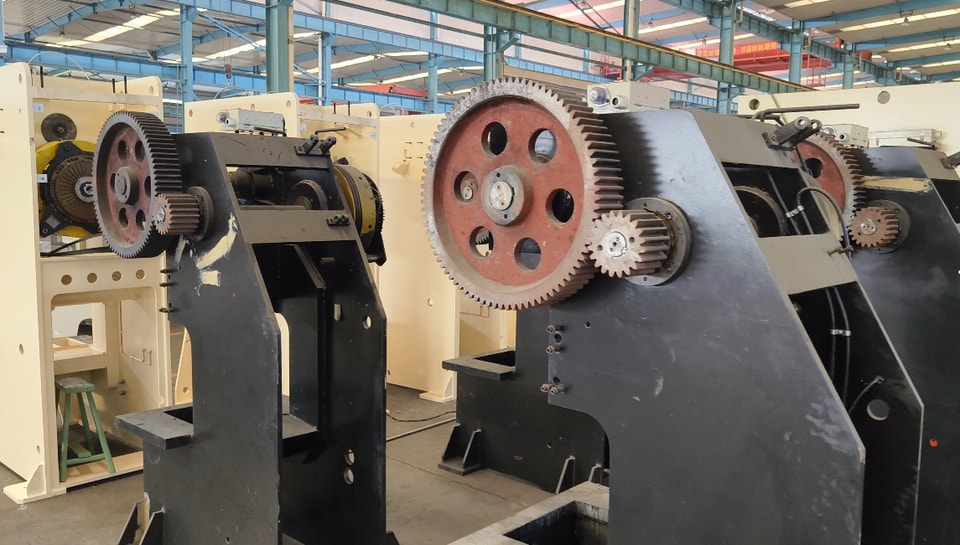
Damage to mechanical components may also prevent the device from functioning properly. For example, the motor is the core component of many devices. If the motor is damaged, the device will not start. Check the motor for any unusual sounds or overheating, which may be signs of motor failure. In addition, check the transmission parts of the equipment, such as belts, gears, etc., for wear or damage. If mechanical parts are found to be damaged, they should be repaired or replaced in time to restore the normal function of the equipment.
(4) Control system failure
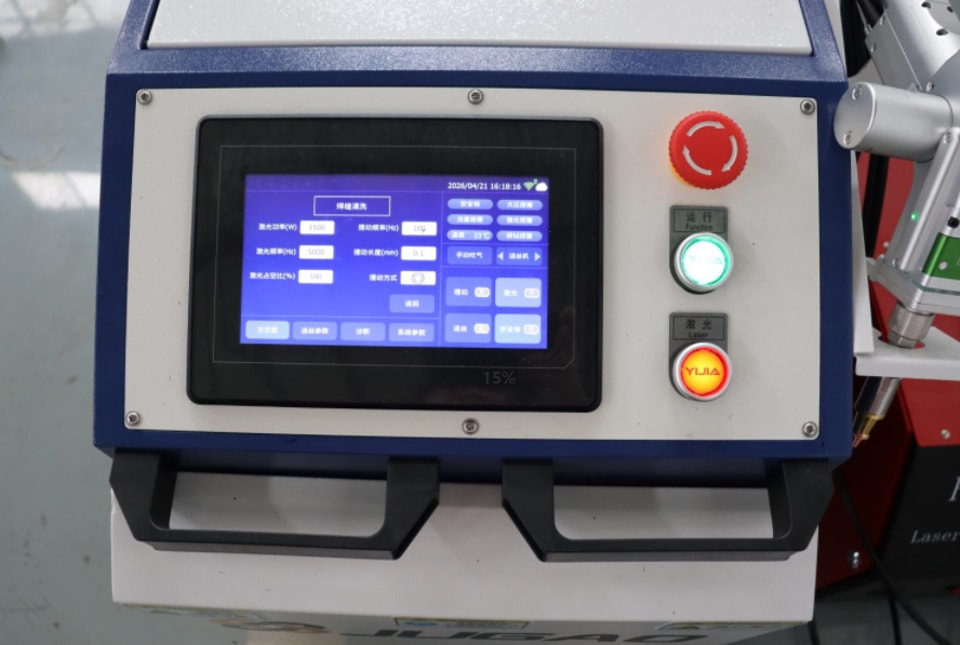
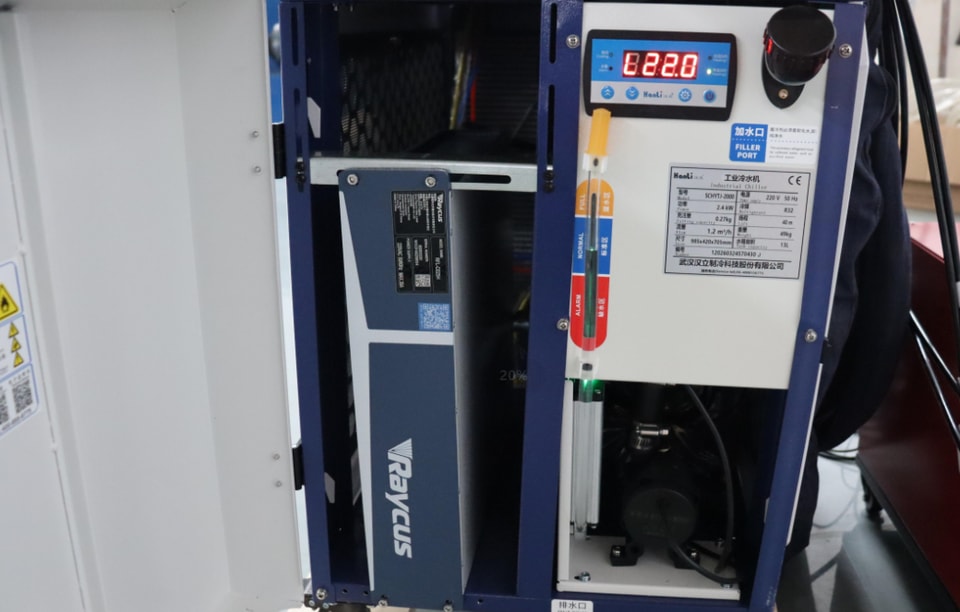
Failure of the control system may also cause the equipment to stop working. Modern equipment is often equipped with complex electronic control systems that control the operation and operation of the equipment. If the control system fails, the equipment may fail to start or suddenly stop during operation. Check whether there are any error codes displayed on the device's control panel. These error codes can help you quickly locate the cause of the fault. In addition, check whether the sensors and circuits of the control system are working properly to ensure that the control system can accurately receive and process signals.
2. Can you investigate and solve it yourself?
When a device malfunctions, many users may ask themselves whether they can troubleshoot and fix the problem themselves. The answer is: to a certain extent, you can troubleshoot and resolve some common faults on your own. Here are some simple troubleshooting and resolution methods:
(1) Check power supply and electrical connections
First, check whether the power cord of the device is plugged in and whether the power socket has power. If the power cord is loose or the outlet is faulty, you can try replacing the cord or using a different outlet. Also, check to see if the device's fuse is blown. If the fuse blows, you can replace it with one of the same size. When replacing the fuse, make sure the device is powered off to avoid the risk of electric shock.
(2) Check mechanical components
Check the mechanical parts of the equipment, such as motors, belts, gears, etc., for any abnormal sounds or signs of damage. If you find that a mechanical part is damaged, you can try to replace the damaged part. When servicing mechanical components, make sure the equipment is powered off and follow the equipment's maintenance manual. If you are not familiar with mechanical repairs, it is recommended to seek help from professional technicians.
(3) Inspection control system
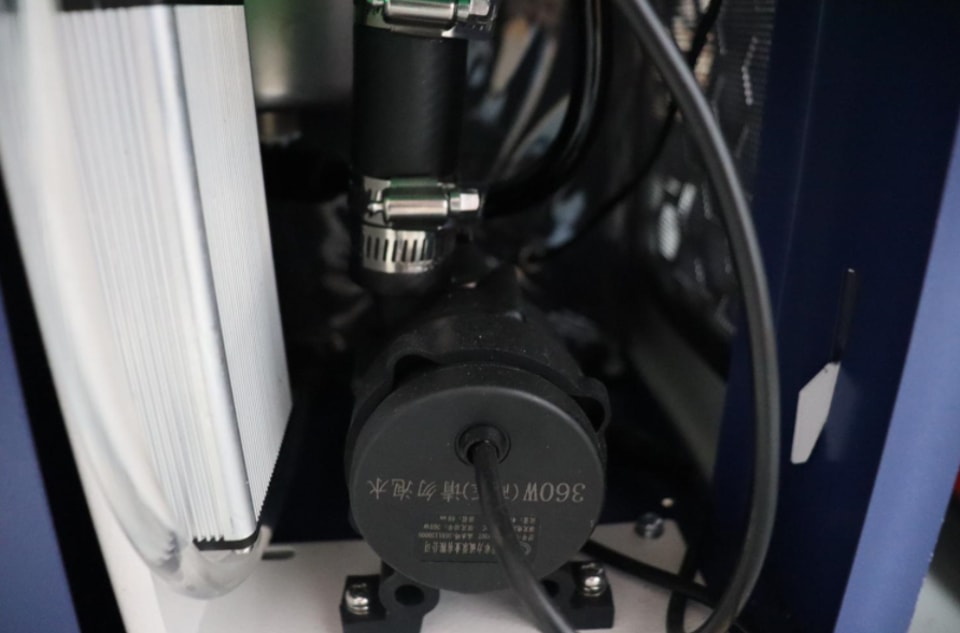
Check the device's control panel for an error code displayed. If your control panel displays an error code, you can consult your device's user manual to learn what the error code means and how to resolve it. In addition, check that the sensors and wiring of the control system are functioning properly. If you notice a control system failure, you can try restarting the device or follow the troubleshooting instructions in the user manual. If the problem still cannot be solved, it is recommended to contact the equipment manufacturer's customer service or professional maintenance personnel.
Related
Keep
reading.
 How thick can a laser welding machine weld?
 Understanding the Environmental Footprint of Punching Machines
 What equipment is best for welding stainless steel? Are there risks of weak welds or deformation?
 CNC Turret Punch Presses Explained: Architecture and Operation
 Key Factors Governing Optimal Punch Press Tonnage
 Comparison of Laser Welding Results and Application Scenarios Across Different Materials
 How to Choose Between Air-Cooled and Water-Cooled Laser Welding Systems
 Understanding Punching Machines: Principles, Types, and Selection
 How can one effectively follow the installation guidelines for a pipe-bending machine?
 For which types of products is an automatic wire-feeding laser welding machine suitable?
 What Are the Latest Punching Machine Trends and Technological Breakthroughs?
 What Triggers Punching Machine Noise and How Can You Quieten It?
Engineering review
Send a drawing.
Get an engineer.
Standard selections answered within 4 hours. Parts outside the rules get a written process review within 24 hours.
- Part drawing: DXF, DWG, STEP or PDF
- Material and thickness
- Longest bend or cut length
- Yearly volume
Write to info@ntjugao.com or message the factory on WhatsApp +86 132 2211 1178.
Drawings (DXF, DWG, STEP, PDF): attach them to an email to info@ntjugao.com, quoting your name.