
How can you recover lost program parameters for a CNC tube bending machine?
2026-11-03

When program parameters for a CNC tube bending machine are lost, the machine may exhibit erratic bending angles, abnormal axis movement, or even become completely inoperable. Before rushing to reprogram everything, try the following steps—in many cases, the parameters can be recovered.
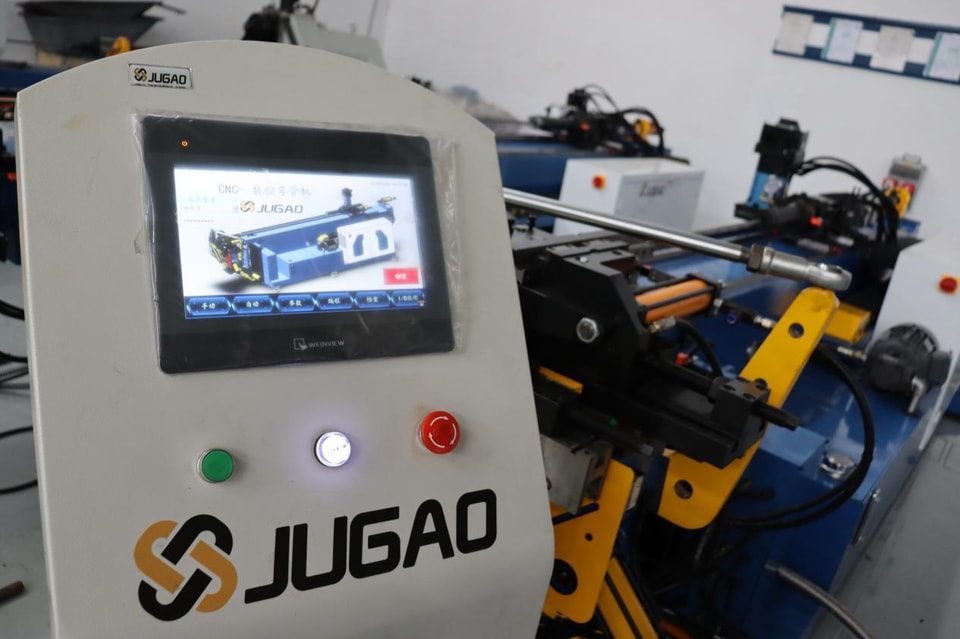
First, identify the cause of the data loss.
Common causes generally fall into a few categories: a sudden power outage or an emergency stop that interrupted a memory write operation; a depleted backup battery, which caused parameters to reset to factory defaults; failure to export data before a software upgrade or controller replacement; or accidental modification or overwriting of the programs by an operator. Knowing the cause will provide a clearer direction for the recovery process.
Step 1: Locate a backup and restore
If you have previously backed up your parameters—whether to a USB drive, a memory card, or a network location—simply connect the storage device, navigate to the parameter restoration interface, and load the relevant file. This allows for the simultaneous restoration of settings such as bending angles, axis limits, and coordinate offsets, making it the fastest recovery method.
Step 2: Obtain default factory parameters
If no backup exists, contact the equipment manufacturer. Provide your machine model and controller type to request the list of default parameters. Once you have manually entered these values, recalibrate the bending axis. This step is particularly useful if all parameters have been lost due to a controller replacement or a battery failure.
Step 3: Recalibrate axes and zero points
If the bending axis, feeding axis, or mandrel axis behaves abnormally, move each axis to its mechanical zero position. Enter calibration mode to set the electrical zero point, then save the current values as the initial reference positions. Operating the machine without proper calibration can lead to incorrect bending angles and dimensions.
Step 4: Check the backup battery
If your parameters reset every time the machine is powered down, the backup battery on the controller board is likely depleted. Replace it with a battery of the same voltage and model, then reload and save your parameters. This detail is easily overlooked, yet it is a common cause of recurring parameter loss.
Step 5: Create a backup immediately after restoration
Once the parameters are restored, export them to an external storage device. Maintain multiple versions—for instance, separate files for initial settings, post-calibration configurations, and post-update states. Additionally, keep a copy in the cloud or on a company server. Should a similar issue arise in the future, you will be able to restore the system in minutes rather than starting from scratch.
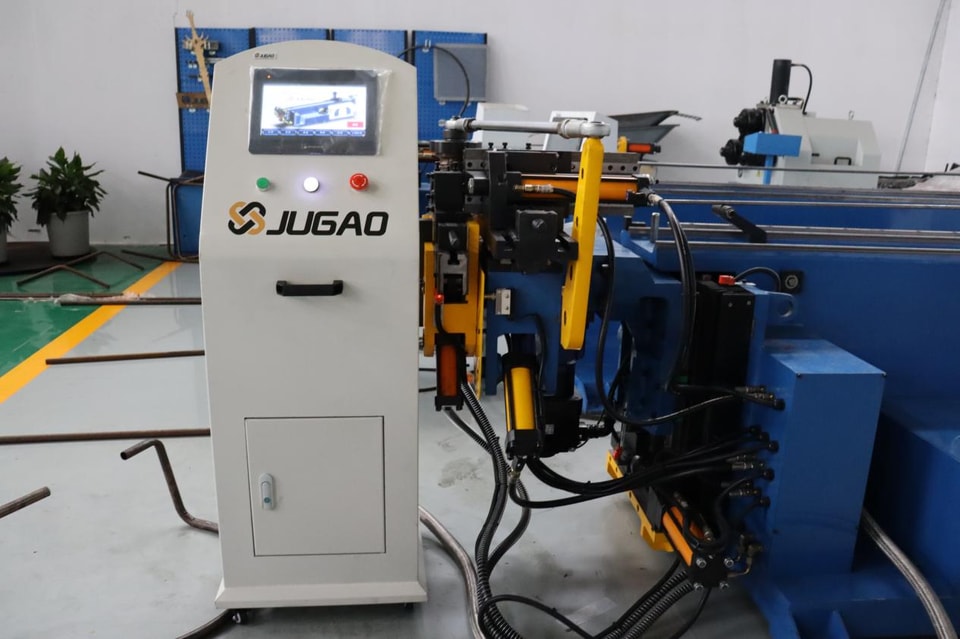
Routine Preventive Measures
Replace backup batteries every 12 to 18 months; avoid forced power-offs—always follow the proper shutdown procedure; export a parameter backup once a month; and keep a record of every program adjustment. These simple habits can help you avoid significant downtime.
Key Considerations
If you discover that parameters have been lost, locate a backup rather than attempting to re-enter them from memory. Do not continue the bending process if the parameters are incomplete; incorrect angles can lead to collisions with the tooling or damage to the mandrel. Always perform a backup before replacing a controller, and verify compatibility after any system upgrade.
Contact Us