


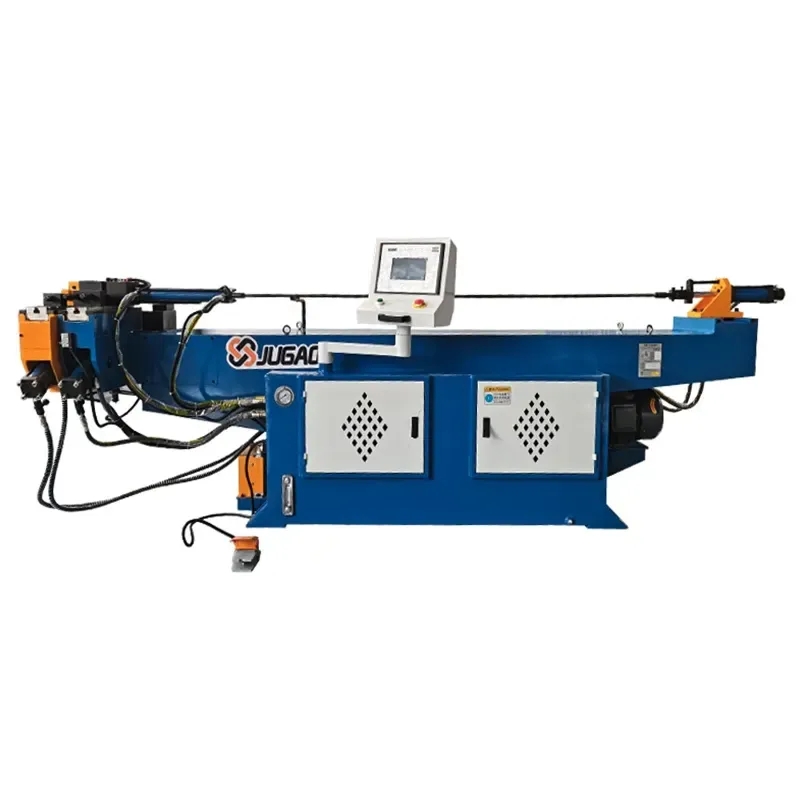
If your pipe bending machine's PLC malfunctions, don't rush to replace parts. Use this troubleshooting method for a quick and accurate solution.
2026-05-08

If your pipe bending machine suddenly stops or the angle changes erratically, it's most likely not a mechanical problem, but rather an alarm from the PLC. This PLC is the brain of the machine; all actions are controlled by it. If it malfunctions, the machine will operate in chaos. Below is a method I've accumulated over the years. Using this logic, most problems can be found within half an hour.
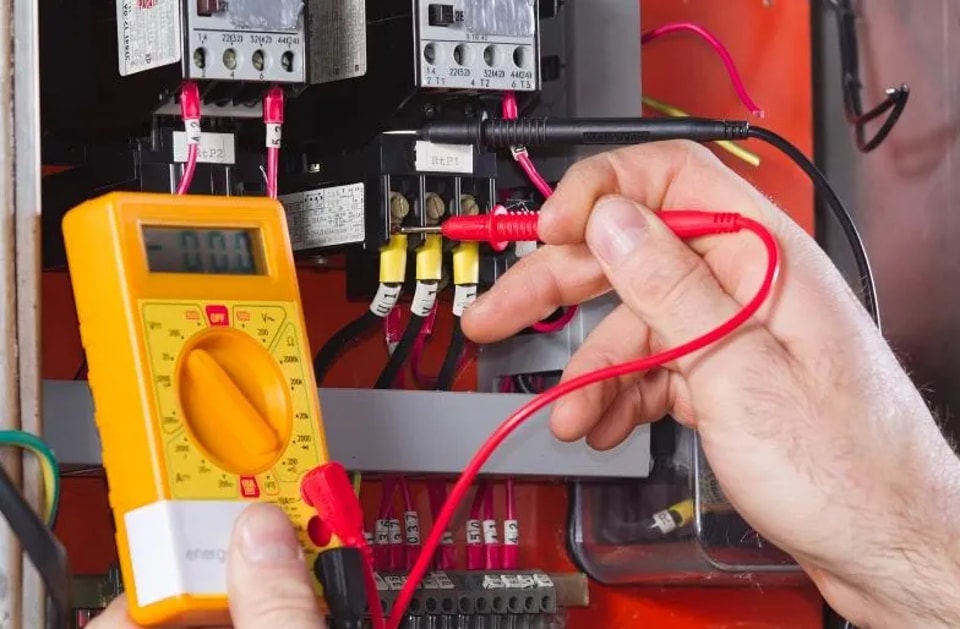
1. Check the alarm first, don't guess.
When the machine alarms, your first reaction shouldn't be to adjust the parameters, but to write down the alarm code displayed on the HMI. Many alarm codes can directly tell you which sensor or axis is malfunctioning. One manufacturer added a time lock to the PLC; after the time was up, the machine stopped moving, but the screen still displayed normally—all because of a single alarm code, which took a long time to discover.
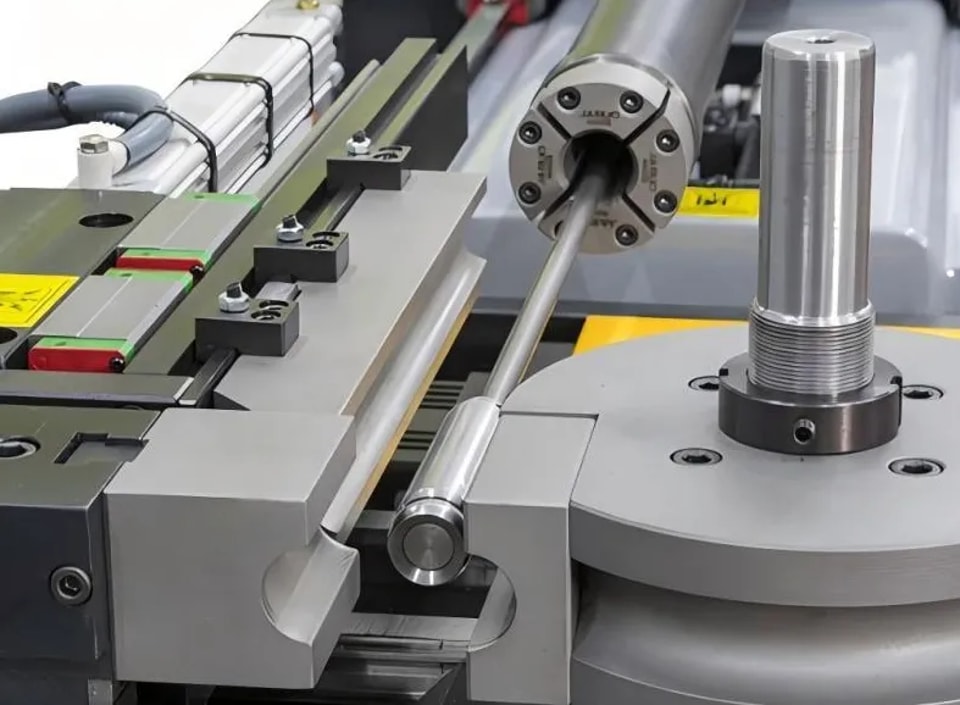
II. Troubleshoot in Order, Don't Mess Around
① Try Restarting
This is the simplest and most effective step. Turn off the machine, wait 20-30 seconds, and then restart it. Many communication problems will disappear this way. Don't rush to disassemble anything.
② Perform a Zero Reset to Let the Machine Return to its Origin
Sometimes sensor signals are off-target, or encoders have accumulated errors. Manually resetting all axes to their mechanical origin may resolve the problem.
③ Check the Power Supply and Wiring
Most PLC faults are due to power supply or wiring issues. Unstable voltage, loose plugs, or an aging power supply can all cause the PLC to misinterpret signals. For example, a pipe bending machine kept overshooting the angle; replacing the sensors didn't help. It turned out the 24V power supply's filter capacitor was insufficient; adding a parallel capacitor solved the problem. Use a multimeter to measure the 24V output; if it's unstable, replace the power supply first. Don't rush to replace modules.
④ Check Sensor Signals
On the HMI's diagnostic page, monitor the input status of each sensor one by one. Misaligned clamping sensors, untriggered spindle limit switches, and fluctuating encoder signals—these are easily identifiable on the diagnostic page. If the signal fluctuates unstablely, a faulty sensor or a loose cable is likely the problem. Distinguish between software and hardware issues; the process of elimination is a good way to locate faults [15†L5-L8].
⑤ Check the communication cable.
A loose or broken communication cable between the servo drive and the PLC will also cause the machine to stop. Re-plug the connector and check the indicator lights.
⑥ Check the external load and ensure all emergency stop and limit switches are reset.
Often, a machine stops not because of a major malfunction, but because the emergency stop button was accidentally pressed or a safety door was not properly closed. These small details are often easily overlooked.
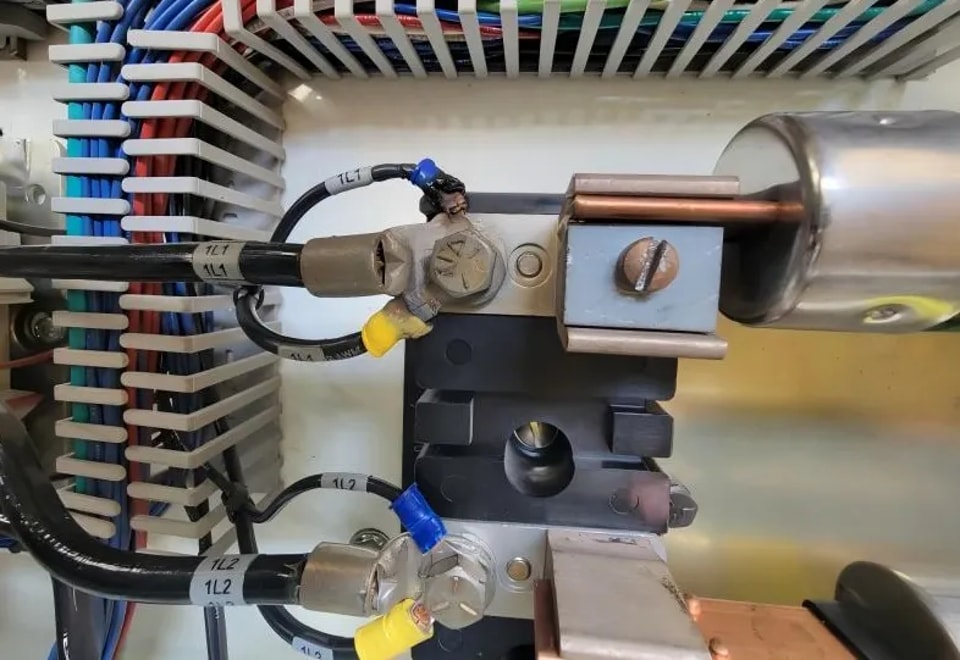
III. Several Quick Solutions
1. Add a large capacitor for filtering: If the angle switching power supply output is unstable, a 2200 microfarad capacitor can be connected in parallel at the 24V output terminal to absorb fluctuations.
2. Reload the program: If the program file is corrupted, simply overwrite it with a backup.
3. Calibrate the sensor: If the sensor signal is inaccurate, it needs to be recalibrated to zero.
IV. Several things to pay attention to in daily operations
1. Regularly back up the PLC program. Losing the program means you'll have to have the entire machine rewritten by the manufacturer, which is troublesome and expensive.
2. Keep the electrical cabinet dry and well-ventilated. PLC modules are prone to problems in high temperature and humidity environments.
3. Establish an inspection system. Check the wiring in the electrical cabinet daily, and tighten any loose connections.
V. A Backup Plan
If the above methods fail, first try a previous program backup and reinstall it. If the problem persists, note down the fault codes and symptoms on the HMI and contact the manufacturer's technical support. Many devices now support remote diagnostics, which is much faster than sending someone to the site.
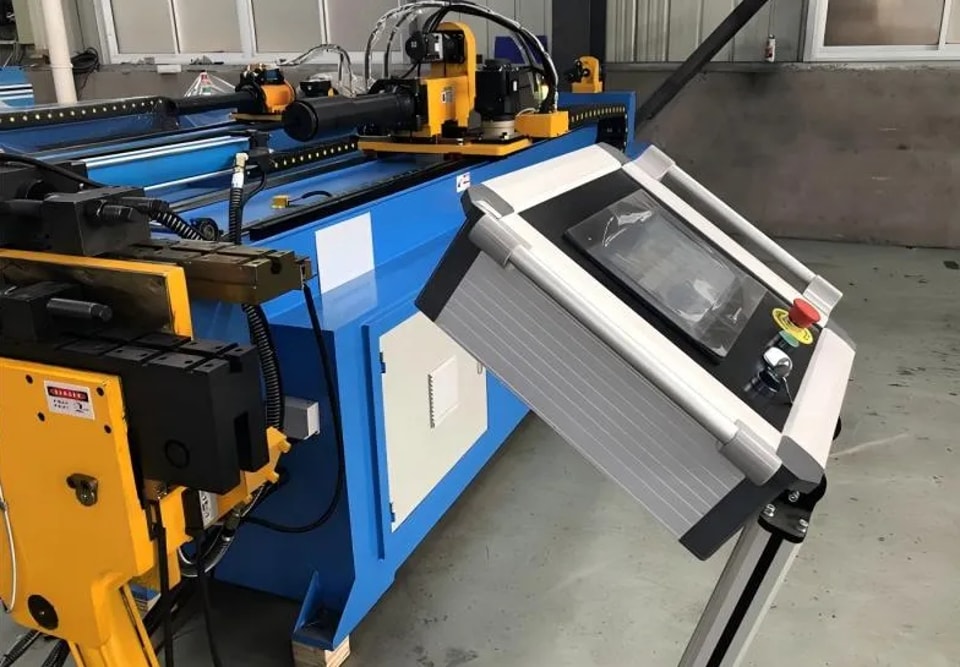
Most PLC failures are electrical, stemming from problems with peripherals such as power supplies, wiring, and sensors. However, some issues are caused by software lock-ins, such as time locks or logic errors, which cannot be resolved by hardware replacement. If you're not skilled at circuit repair, reprogramming and parameter restoration are your most practical tools. Start with the peripherals before moving to the core; sharpening your tools before chopping wood is essential.
Contact Us